Which chart files does Stitch Garden open?
Pattern Maker .xsd files, PDF charts, .oxs files and PCStitch .pat files from versions 6 to 11. Encrypted formats such as .saga and .cstx can't be opened.
Can it read the PDF chart I bought?
Stitch Garden has been tested with PDFs from Pattern Maker, PCStitch, KG-Chart, MacStitch, WinStitch, FlossCross and StitchZoo, including charts saved through a PDF printer and black-and-white pages of symbols alone. It reads the page's drawing — every whole and part stitch, backstitch, French knots and beads, the thread names and strands in the key — and checks it against the stitch count printed on the chart. A PDF saved as a picture opens only in a very limited way for now; many such files can’t be read yet, and one that opens is worth checking after import. When a reading doesn't match the page, Stitch Garden says so instead of opening a wrong chart. Photos and scans of paper charts are not supported.
How do I open an .xsd cross-stitch file on my iPhone?
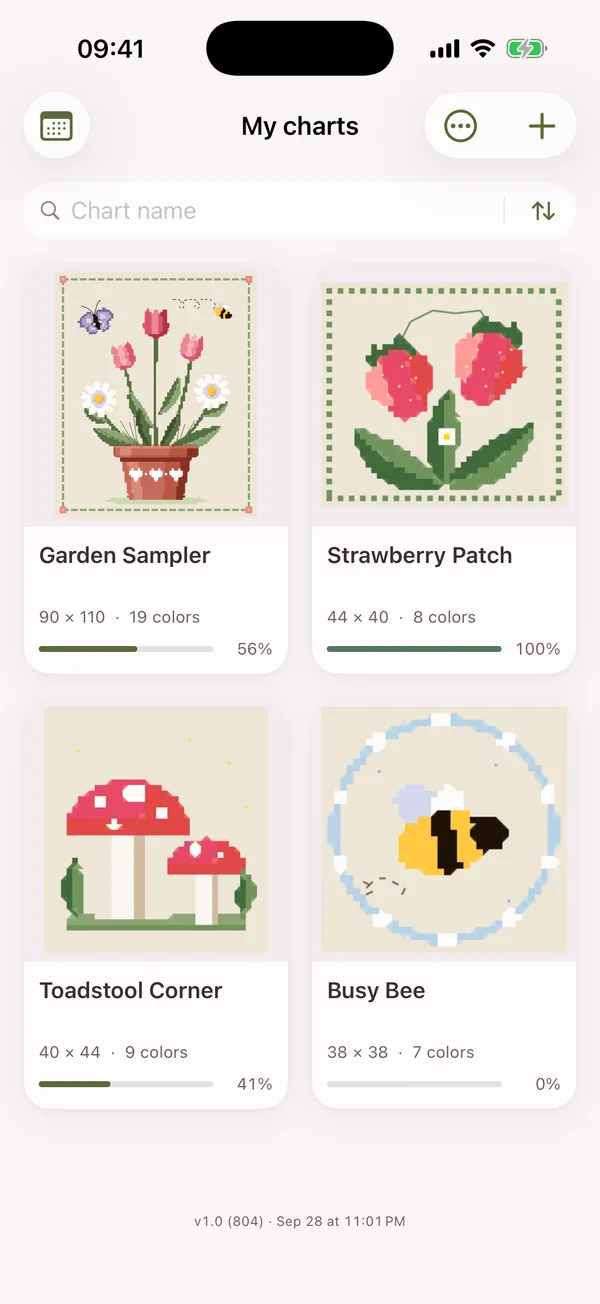
Open it in Stitch Garden: tap the file in Files, send it by AirDrop or Mail, or tap + in the app and choose it. Pattern Maker's .xsd format is read directly, with its colors, symbols and backstitch.
Can I open a PCStitch .pat file on iPhone or iPad?
Yes. PCStitch .pat files from versions 6 to 11 open in Stitch Garden on iPhone and iPad.
What is an .oxs file?
OXS is the open cross-stitch format that many charting programs export. Save the .oxs file to Files, then tap + in Stitch Garden and choose it.
How do I mark off stitches on a PDF cross-stitch chart?
Add the PDF to Stitch Garden, look over the imported chart, then tap squares to mark them as stitched. For a PDF saved as a picture, check the recognized colors and stitches before you start.
Can I mark backstitch, French knots and beads?
Yes. With the pencil, tap a line of backstitch, a knot or a bead to mark it, as you would a square. Quarters, petites and three-quarter stitches are marked one by one too, up to four threads in a square.
Can I see just one color and count the squares in a row?
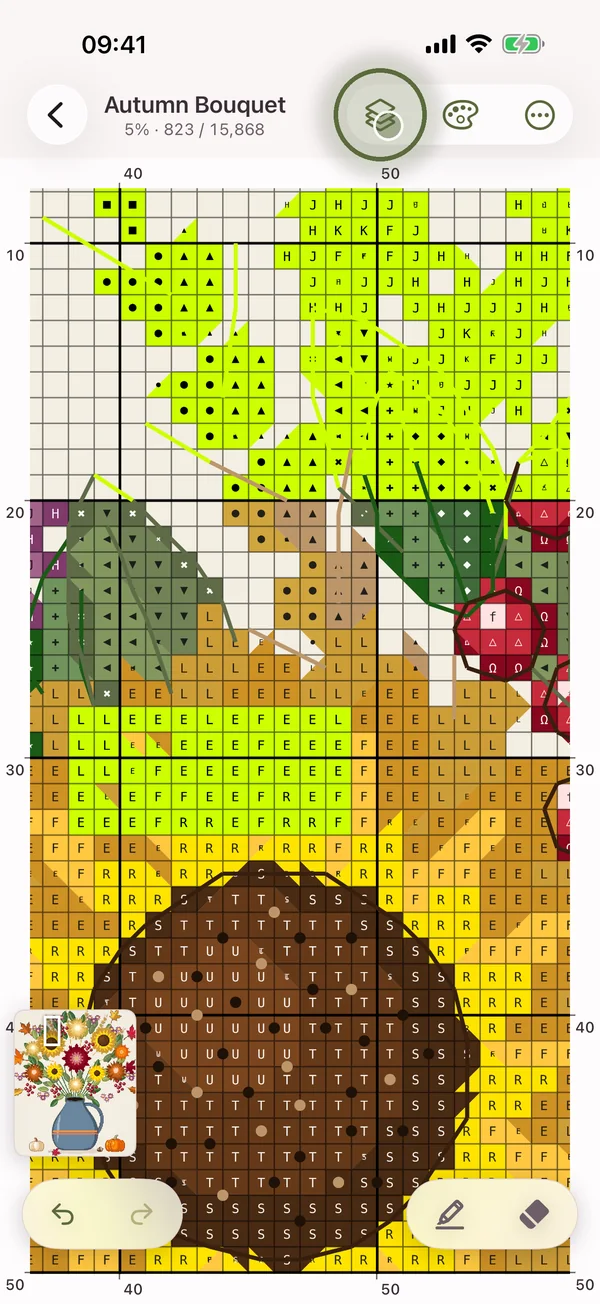
Tap any square of that color, or its chip in the palette, and every other thread fades back. While a color is isolated, each run of four or more squares shows its length; choose rows, columns or both under Counting in the settings. Show every color brings the rest back.
Can I work on just one part of the chart?
Yes. Turn on Active zone selection in the settings, then drag a rectangle or draw around the part you want. Everything outside it fades and can't be marked by accident, and a counter shows how much of the area is done.
Does it support the parking method?
Yes. Turn on Parking in the settings and a Park tool appears: mark the square where each threaded needle waits, find them all in one list, and lift one needle or every needle when you're done.
Can I rotate the chart?
Yes, a quarter turn at a time, left or right, under Chart rotation in the settings. Each chart keeps its own turn.
Can I change the symbols on a chart?
Yes. Open the color key, tap Edit threads and give any thread another mark, from the list or a character of your own. Charts that use the same symbol font pick up the change too, and As it was brings the original mark back.
How many skeins of floss do I need for a chart?
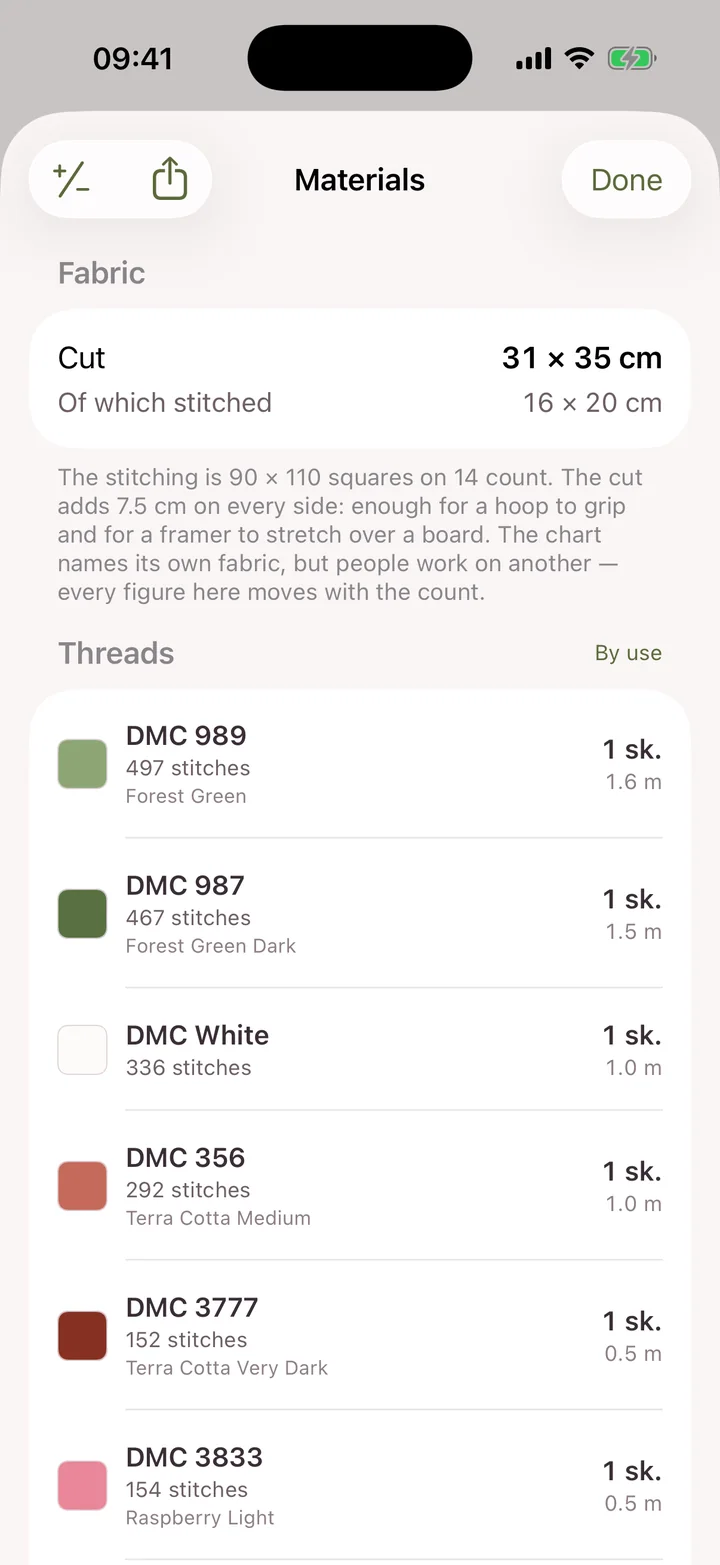
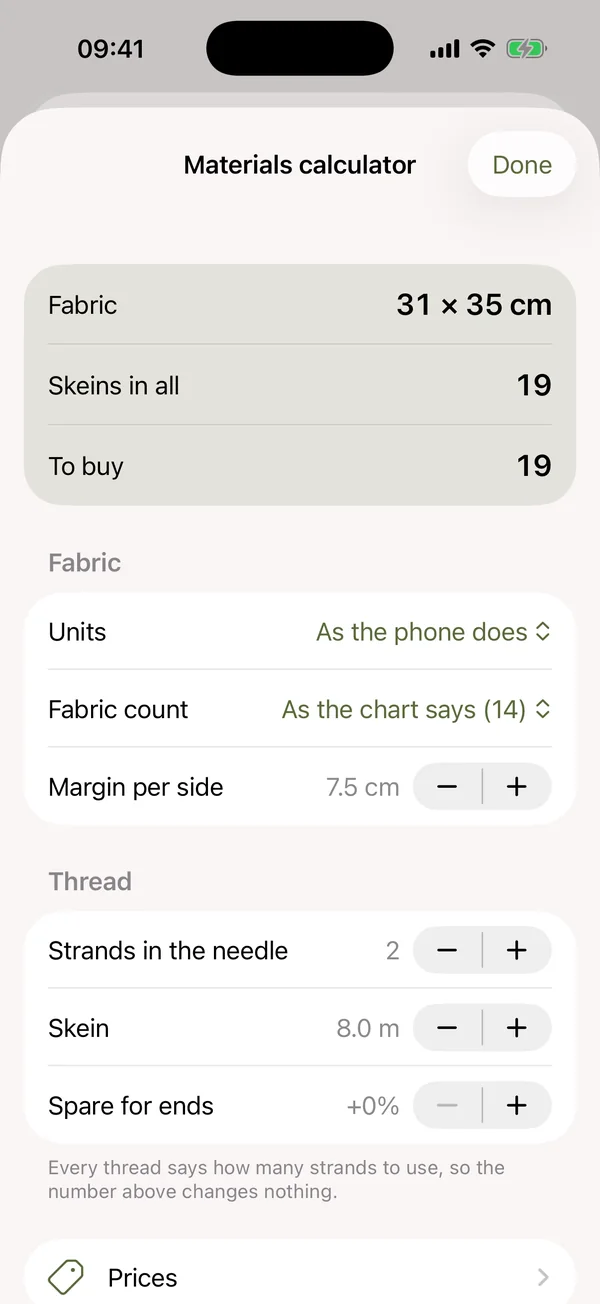
The materials screen lists every thread in the chart with how many skeins it needs, from the strands and skein length you choose. Mark what's already in your stash and the rest becomes the shopping list.
How long will my cross stitch take?
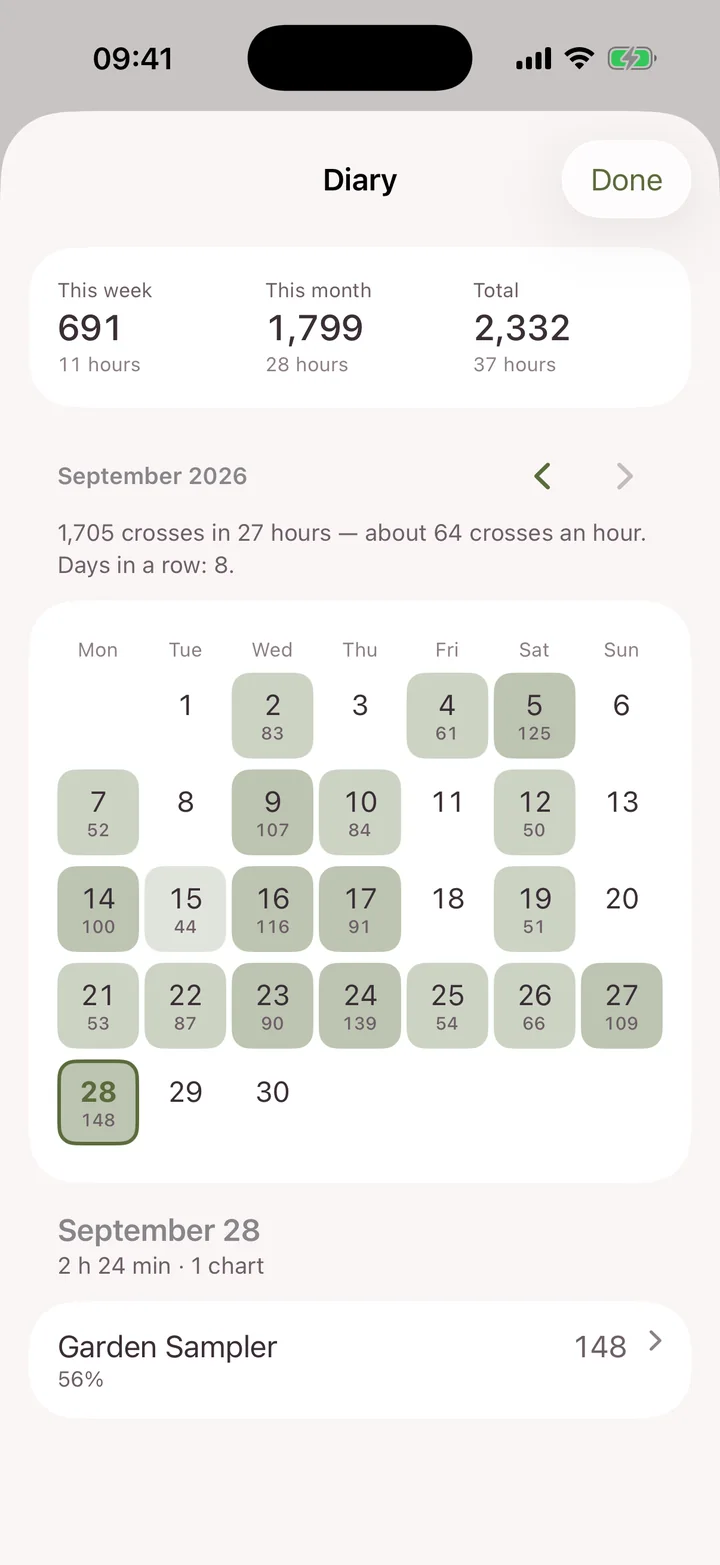
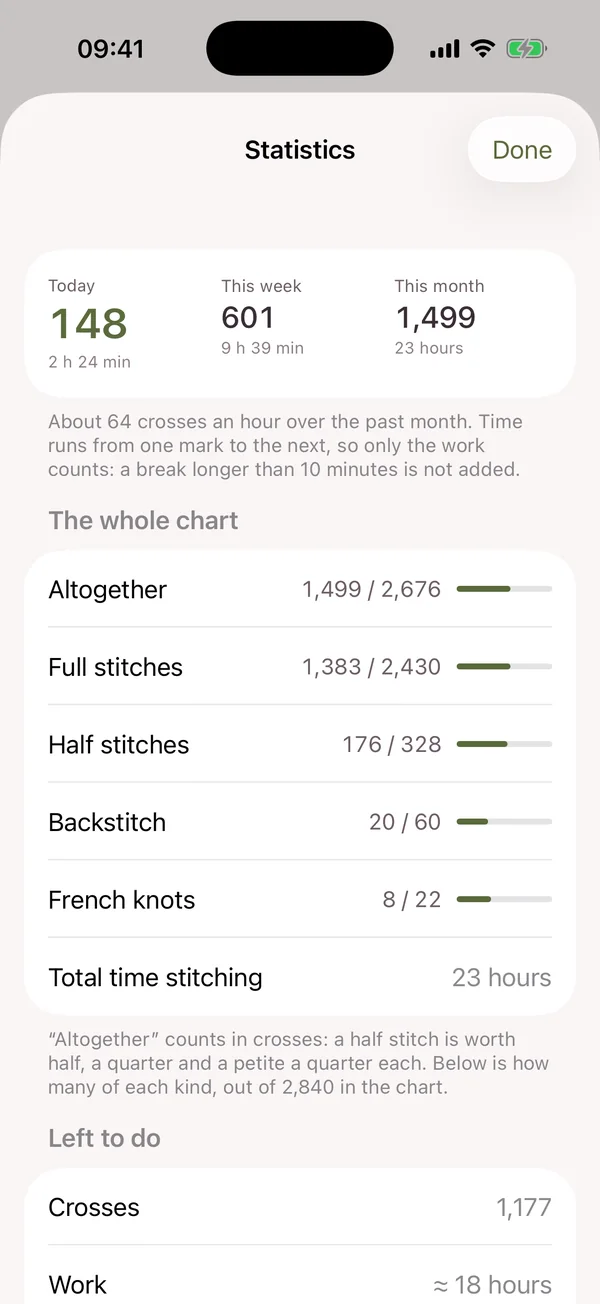
The stitching diary records the time you spend and the crosses you make each day, and after a week of work it forecasts the date you'll finish.
Can I export a chart to .oxs or another format?
No. Stitch Garden opens charts but doesn't convert or export them. What you can share is your progress file, the materials list as a PDF, and your photos and films.
Do I need an account?
No. There is no sign-up, no login and no Stitch Garden server. Everything is kept on your device.
Does my progress sync between devices?
Between iPhone and iPad, through your own private iCloud. On Android, through a private folder in your own Google Drive that only the app can see. Photos stay on the device you add them on.
Can I move a chart between iPhone and Android?
Yes. Share a progress file from one and open it on the other. It carries your marks, resets and parked needles for one chart or several; open the same chart file on the new device and the work is there.
Is there a subscription?
No. Stitch Garden is bought once. There are no in-app purchases, no ads, no subscription and no limit on how many charts you keep, and Family Sharing is on. The App Store and Google Play are separate purchases.
What does it run on?
Stitch Garden is designed for iPhone and iPad with iOS or iPadOS 17 or later, and Android 8 or later. It is on the App Store and Google Play.
How do I change the app's language?
Stitch Garden follows your device's language. To use another one for this app alone, choose it in the system Settings under Stitch Garden › Language on iPhone and iPad, or under App languages on Android 13 or later. Step by step, with screenshots.
What if something isn't right with my chart?
Write to [email protected] with the chart's name and a screenshot. More on the support page.